











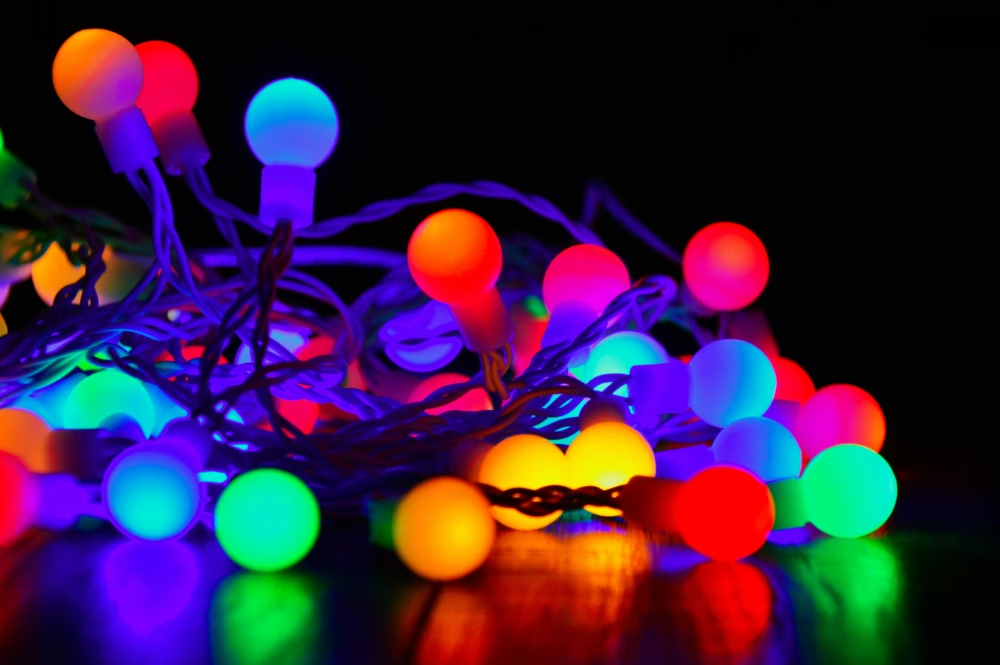

A tech expert is warning Britons that outdated Christmas lights could be slowing down their WiFi connection. Juliet Moran from TelephoneSystems.Cloud has issued the warning as households begin to decorate for the festivities.
Older or poorly made lights may contain electrical components which emit electromagnetic interference. This disrupts the WiFi signal, especially if they’re placed too close to the router. She also advises that the connection is likely to be very well used over the holidays so now’s the time to get prepared to avoid any unnecessary problems.
Expert Juliet Moran from TelephoneSystems.Cloud said: “The last thing you want at Christmas is a laggy WiFi connection, especially if you’ve got a houseful of visitors, kids and are streaming Christmas movies. There are some really easy fixes to keep connected and checking your Christmas lights are up to the job is one of the first. If they are really old, it may be time for an upgrade. Other simple things to check are the placement of your router, check the direction of its aerials and make sure it’s not covered by anything – especially anything metal. Your WiFi will take a battering over Christmas with everyone at home and visitors popping in. Your lights and decorations may play a small role in slowing speeds, but do bear in mind the number of devices using it. Prioritising those that require a stable connection is one consideration, as is using a wired connection. It’s worth taking a few minutes ahead of the festivities to check everything’s in working order, moving your router if you have to, to keep any disruption to a minimum.”
Here’s Juliet‘s advice for avoid WiFi problems this Christmas:
Move your router
If the Christmas lights are near your router, consider moving the lights or the router. The further away they are, the lower the interference will be.
Changing the channel
Wi-fi has a range of channels to choose from and the ones in the middle are best. But if you are having a conflict, then login to your router try moving the Wi-fi channel up or down a couple of numbers to see if that improves your connectivity.
Don’t cover the router
Don’t be tempted to drape tinsel over your router or adorn with any other decorations. If you do, chances are you’ll block the signal, especially any metal decorations.
Check your lights
If you’ve inherited the lights or you bought them years ago, it may be time to upgrade. Newer lights will be better quality and will minimise the impact, if they have any, on your WiFi connection.
Double check your router
Check your router cables are all securely connected – before blaming your colourful Christmas lights.
Prioritise devices
If you’ve got lots of devices using your connection, prioritise those that need the most stable connection to keep everyone happy.
Use a wired connection
Consider a wired connection for devices that can be directly connected to the router. Smart TVs and games consoles are the obvious ones, which can use a lot of traffic, so keeping them off the Wi-Fi makes it faster for other devices.

| [donate]
| Help keep news FREE for our readersSupporting your local community newspaper/online news outlet is crucial now more than ever. If you believe in independent journalism,then consider making a valuable contribution by making a one-time or monthly donation. We operate in rural areas where providing unbiased news can be challenging. |